ABOUT THE ARTIST
Reese Hausman is a third-year Games + Simulation major at Miami University with a minor in Studio Art. Her passions lie in the intersection of art and technology to create an immersive narrative experience, specifically through the lens of character design. Her greatest strengths are her organizational skills, creative curiosity, and iterative thinking.
SPRING 2025
IMS/ART 218 PORTFOLIO
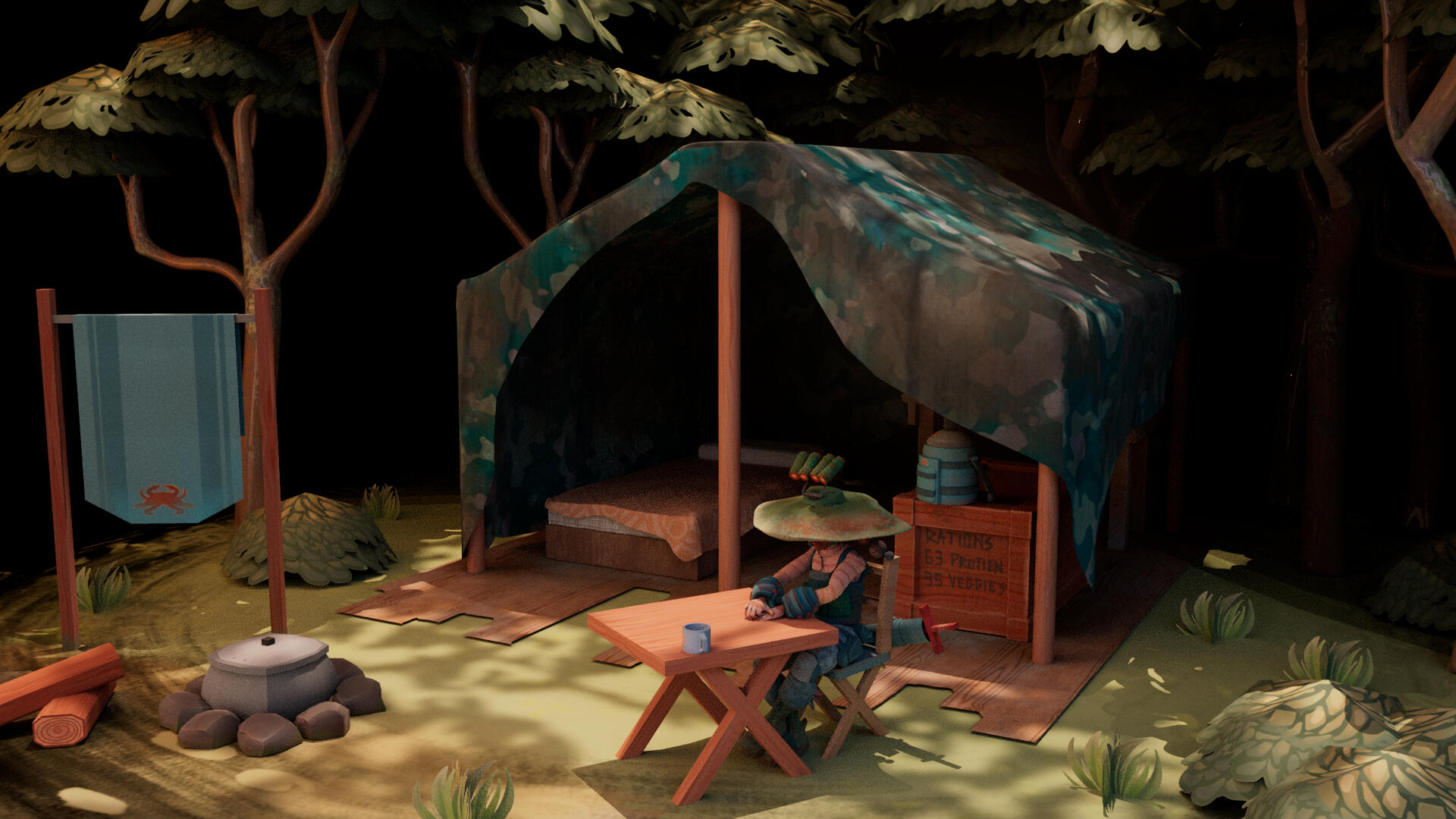
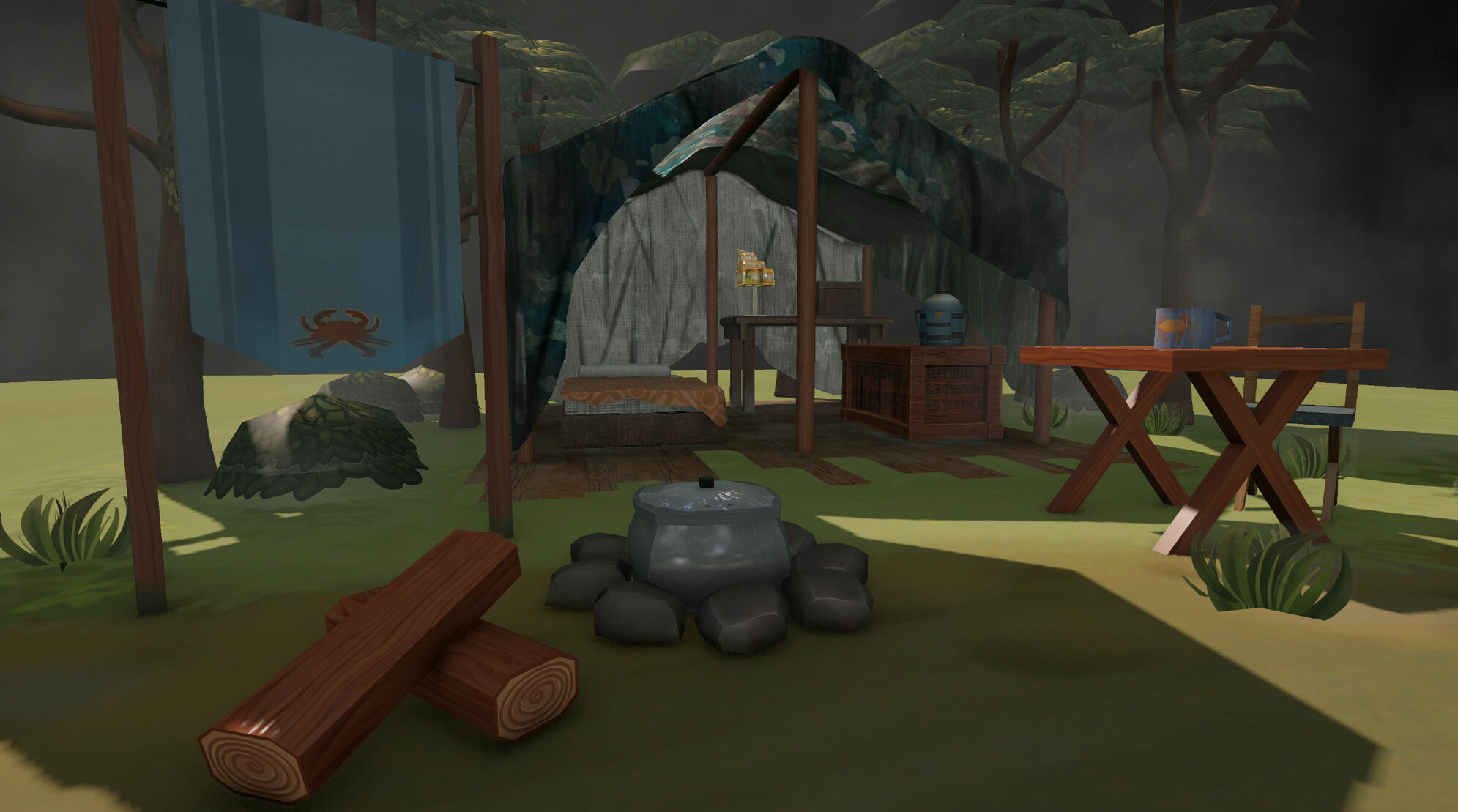
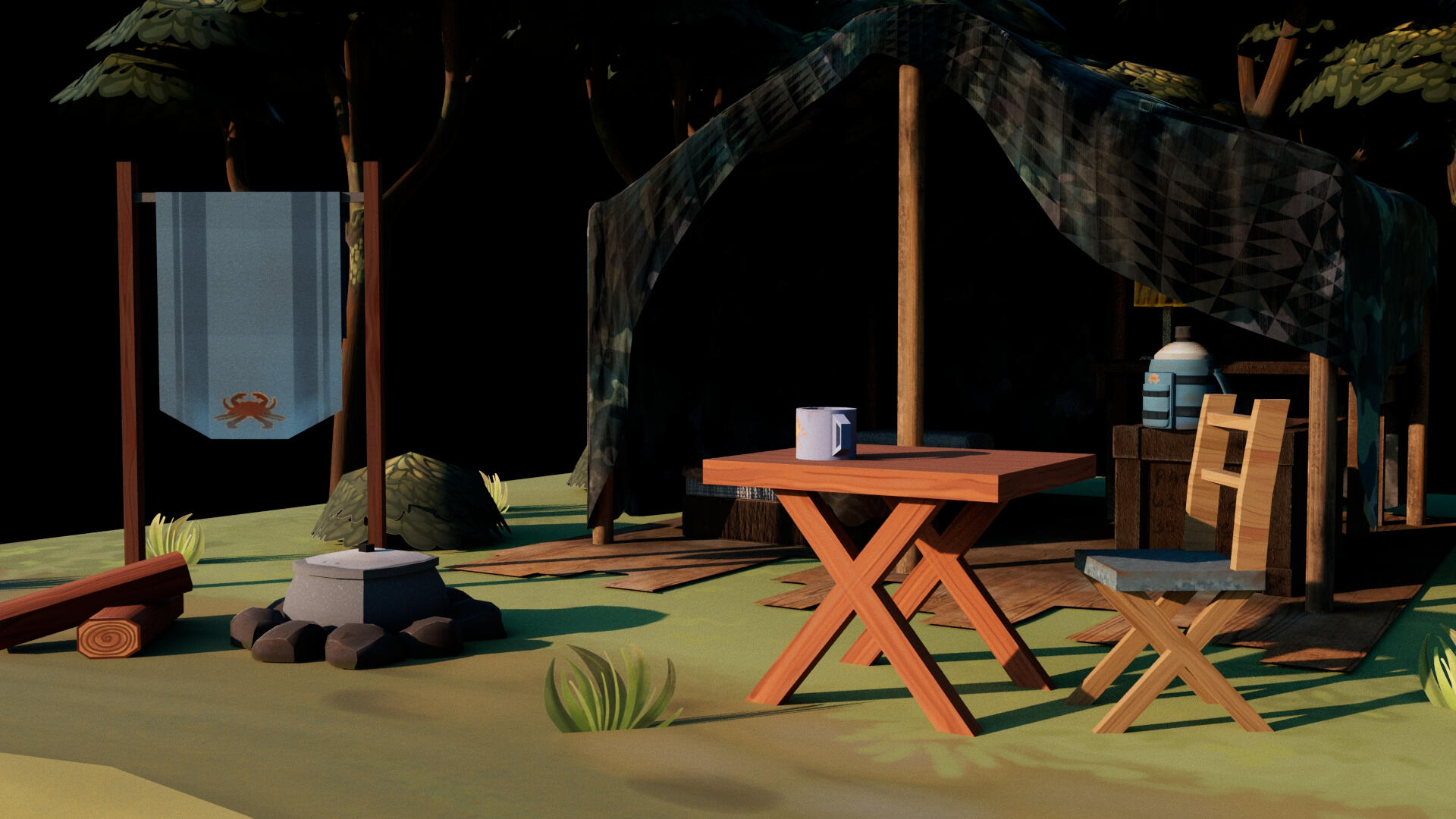
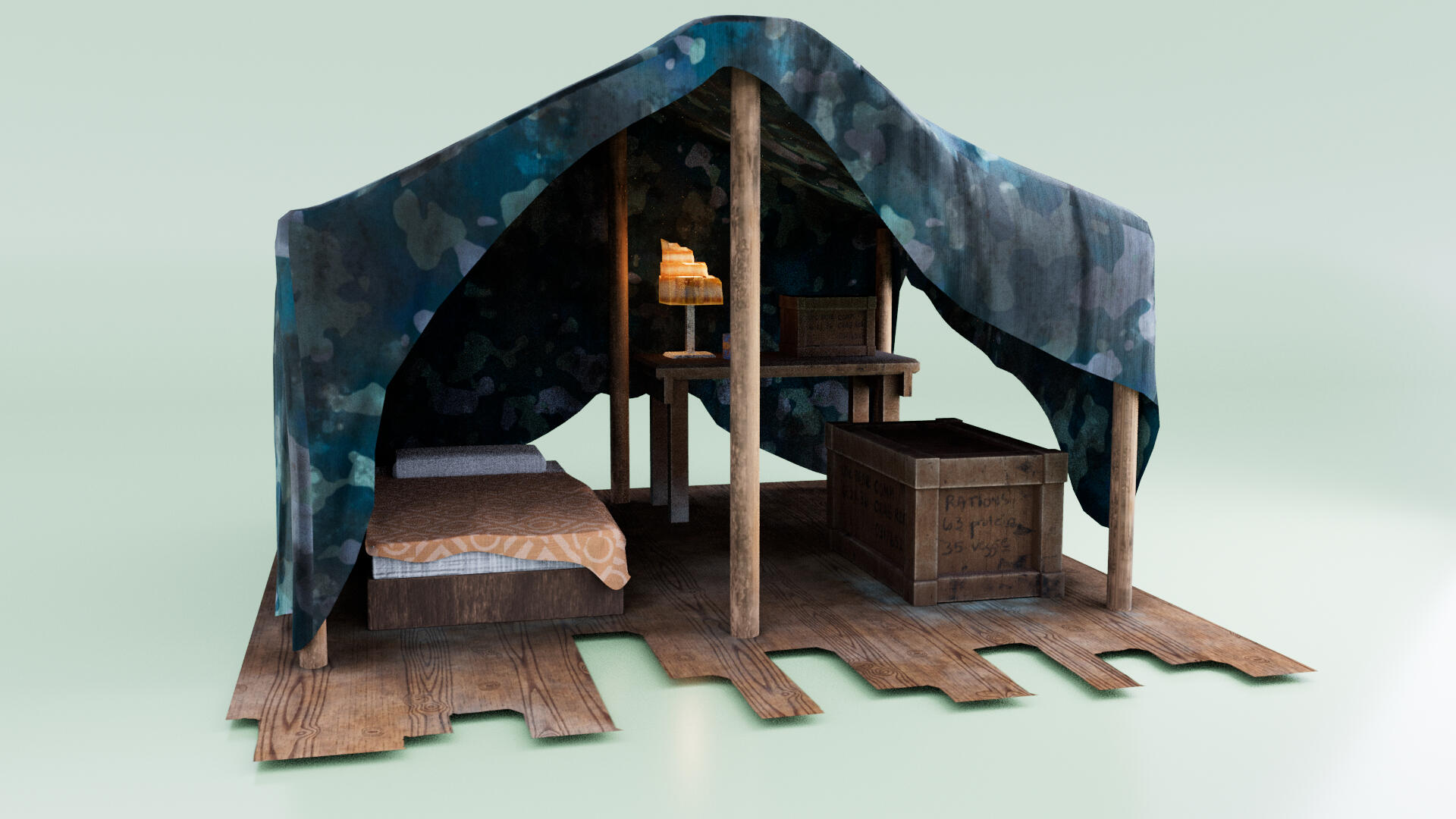
Miami University's 3D Shading and Texturing course teaches industry-standard software and the workflow required to create materials, textures, and shaders for physically based render systems. The cumulative environment below demonstrates my development throughout the class.

Final Diorama

VFX

Environment

House

Tree
Container
FALL 2024
IMS/ART 215 PORTFOLIO
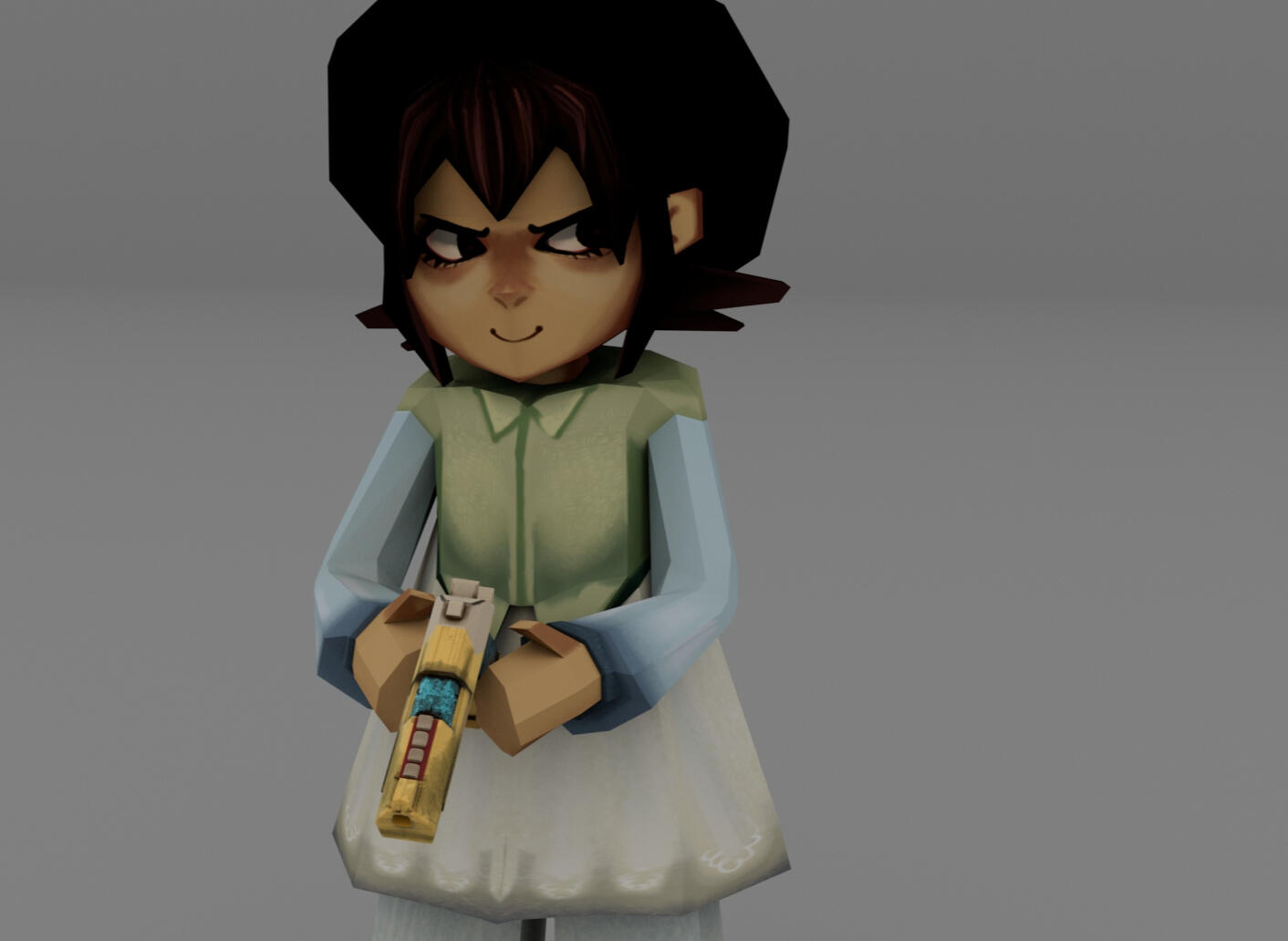
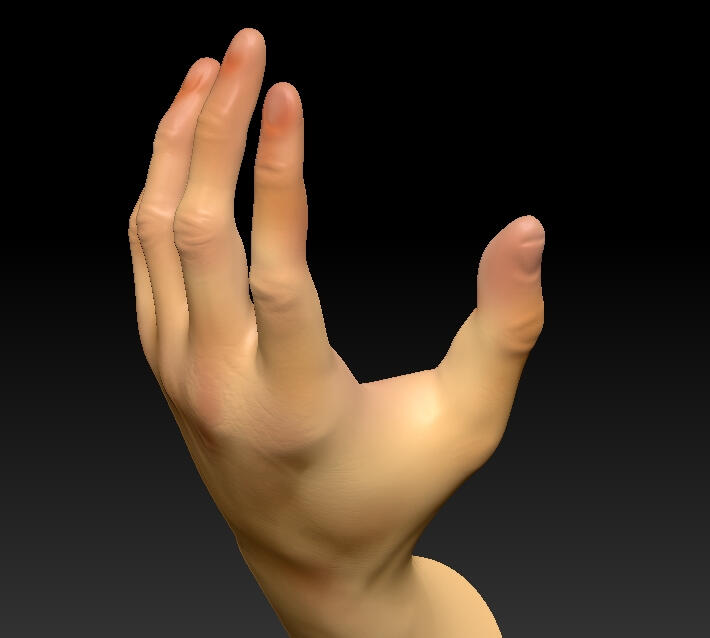
Miami University's 3D Digital Sculpting course teaches industry-standard software and best practices for 3D asset creation in video games, animation, and other media. The six projects shown below demonstrate my development as I progressed through the class.
Character Model
Anatomical Study
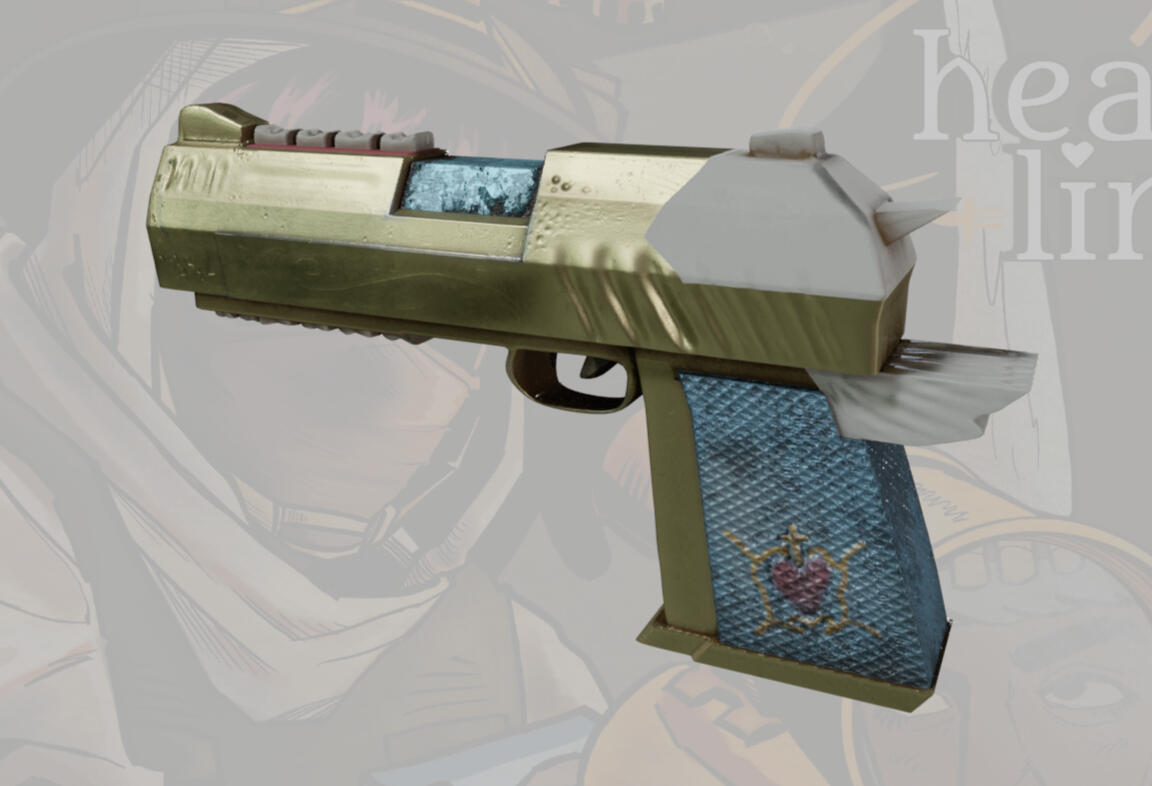
Prop Model
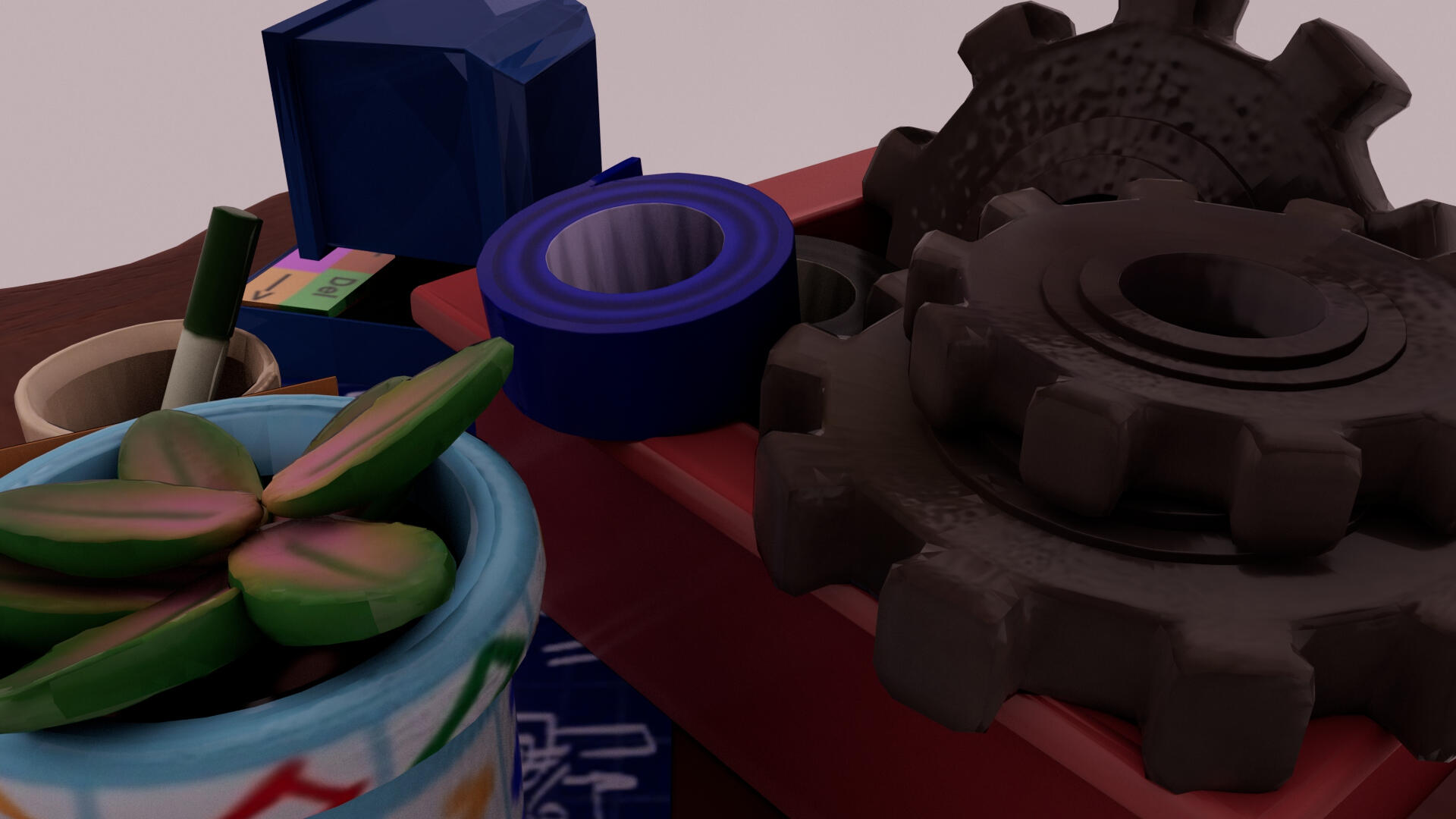
Environment Asset
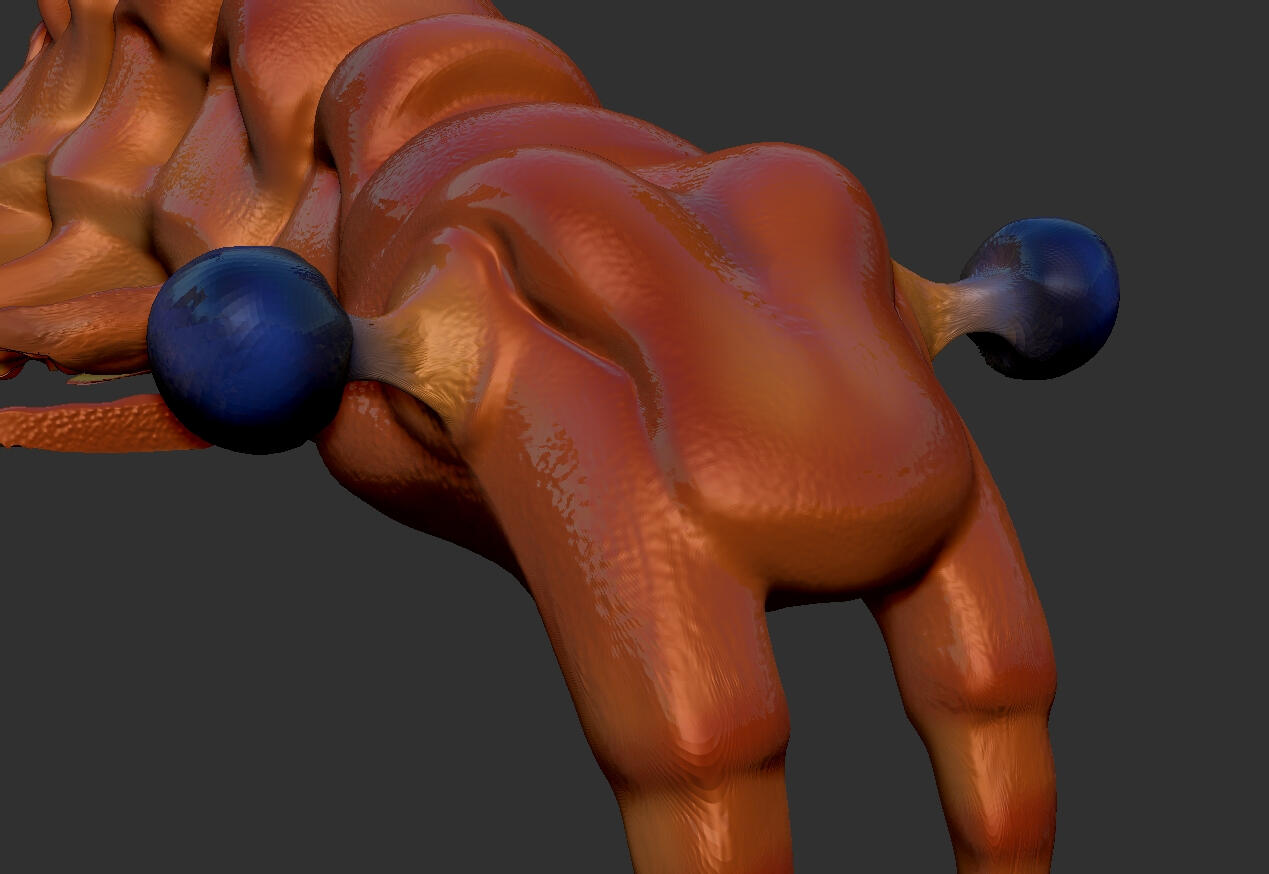
Animal Anatomy
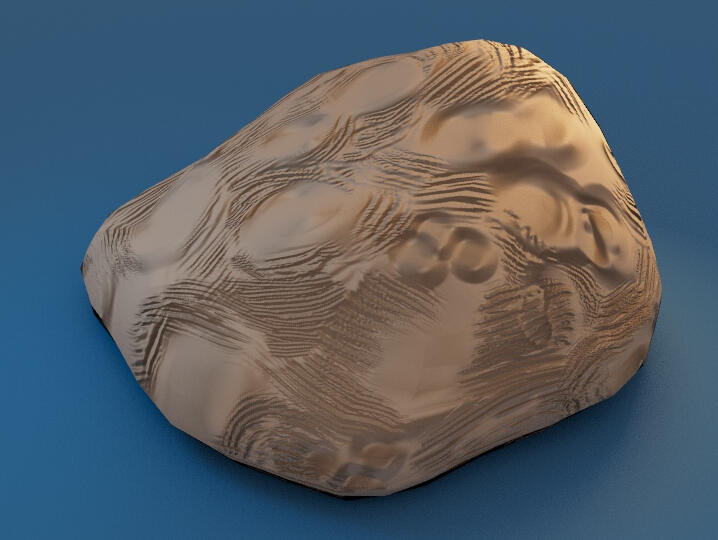
Envrionment Prop
february 2025 - project 1
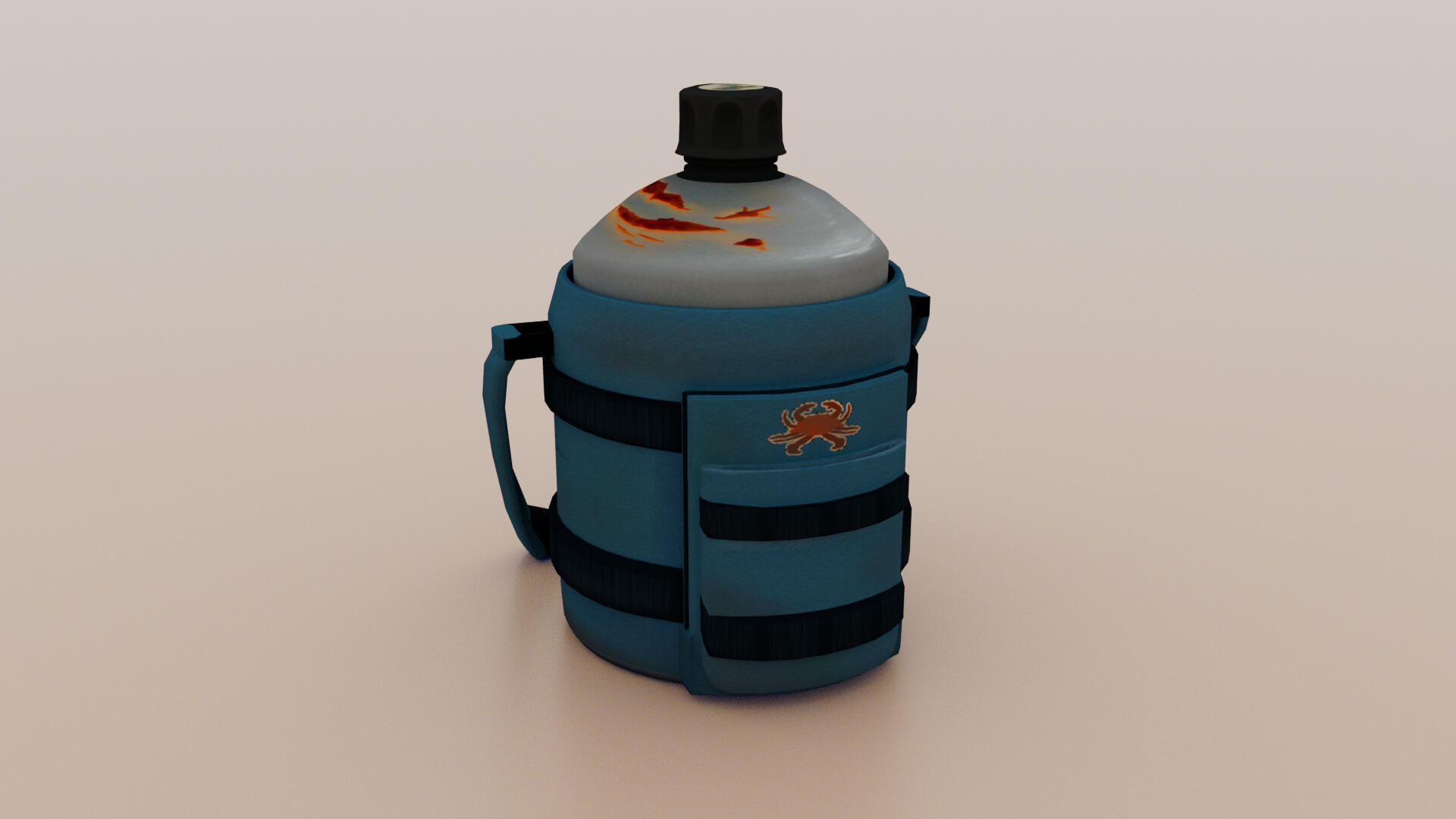
Container
Programs Used: MAYA, PROCREATE

process
Gather references.
Model geometry in Maya.
UV unwrap in Maya.
Create texture maps in Procreate.
Export and apply texture maps to Maya model.
Assemble scene & create renders in Maya.
From the start of this cumulative project, I knew I wanted to create a home environment for a character model I was working on simultaneously. Therefore, the main goal of this water bottle was storytelling. The jug should be portable, since my character is nomadic, and look rusted, since the character moves around a lot in a swampy biome. The crab insignia relates to their military regiment, and the sticker on top relates to their beliefs about sustainability.
This was the last project I would fully texture in Procreate just by the UV image alone. I realized how tedious it was to keep switching between software to check for distortion or blurriness, which prompted me to look into Procreate's 3D capabilities for future projects.
february 2025 - project 2
Organic Vegetation
Programs Used: MAYA, ZBRUSH, PROCREATE

process
Gather references.
Model geometry in Maya, UV unwrap, and export.
Sculpt in ZBrush.
Paint in ZBrush, export to Procreate to refine textures.
Export and apply texture maps to Maya model.
Assemble scene & create renders in Maya.
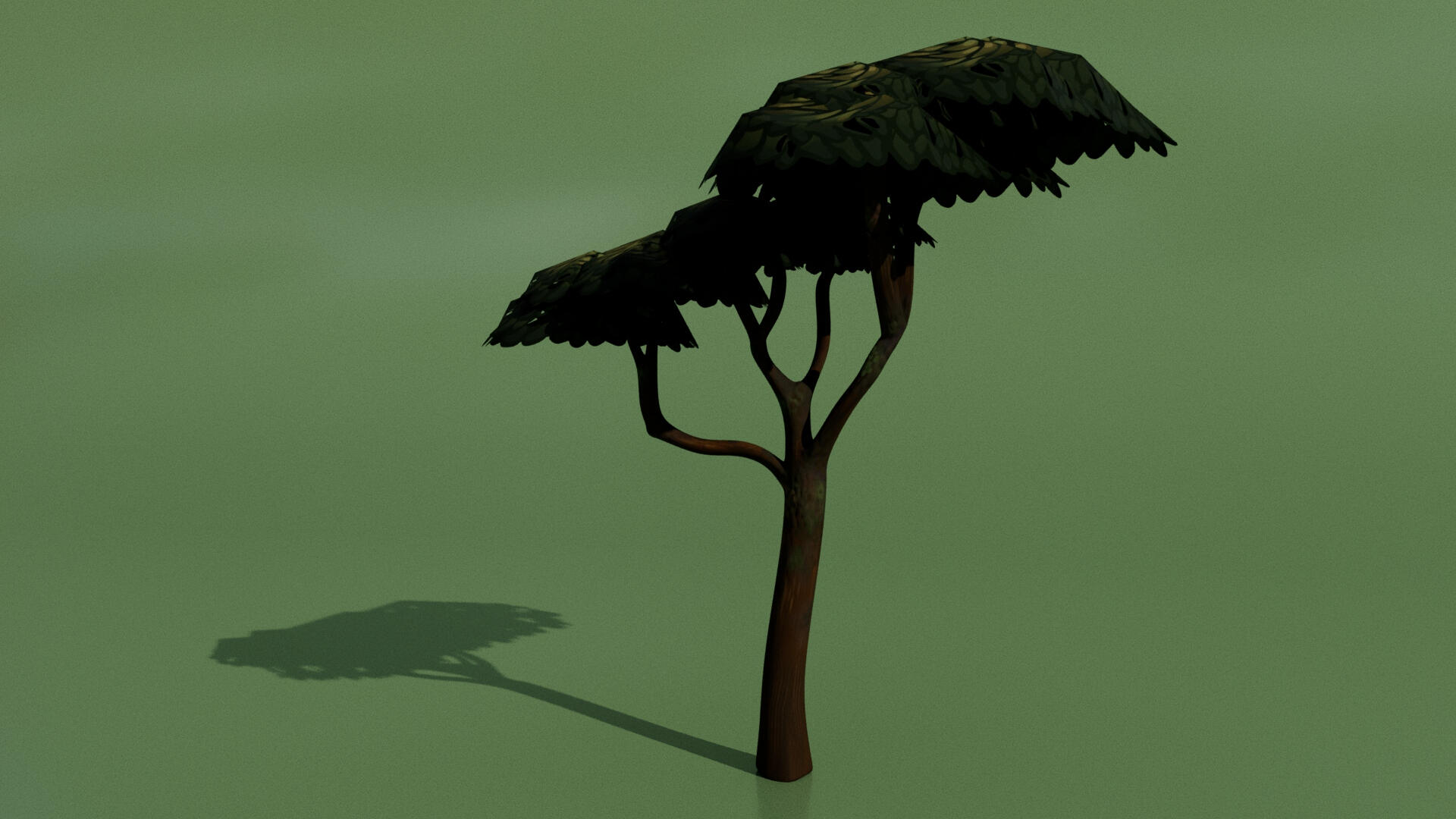
Thematically, this tree relates to the Scalesia tree of the Galápagos Islands, where my character lives. This project would be my second time modeling a tree, and was slightly challenging as organic objects often are. I textured and painted it in ZBrush, but I didn't love the feel of ZBrush's paintbrushes, so I would refine the textures by exporting the UV map into Procreate. The biggest thing I learned from this experience was how to use masking to make objects transparent in the Arnold Renderer, which I did to add some dimensionality to the leaves.